Run production
Production turns a recipe into finished stock. When you run a batch, Ordelo consumes the ingredients from your stock and adds the finished goods you made.
Where to find it: open Nav → Recipes, then tap Production, or go to
/recipes/production.
Plan
This is a paid feature. Check that your current plan includes it before you rely on it. Open Plans and subscription to compare plans and upgrade.
Before you start
- Build the recipe first, so production has something to make. See Recipes and costing.
- Have your ingredient stock counted and up to date. Production checks stock and won't run if an ingredient is short. See Track stock.
Steps
- Open Nav → Recipes and tap Production. (Or from an expanded recipe, tap Run batch to arrive with it already selected.)
- Choose a Recipe from the dropdown. Each option shows how many units it makes.
- Set Batches to produce. The line below shows the total yield, for example "Yields 20 units from 2 batches."
- Check Ingredients needed. Each ingredient shows what you need against what you have. A green tick means there's enough. A red row means it's short.
- Add a note under Notes if you want, for example "Lunch prep". This is optional.
- Tap Start production. The ingredients come out of stock and the finished goods are added.
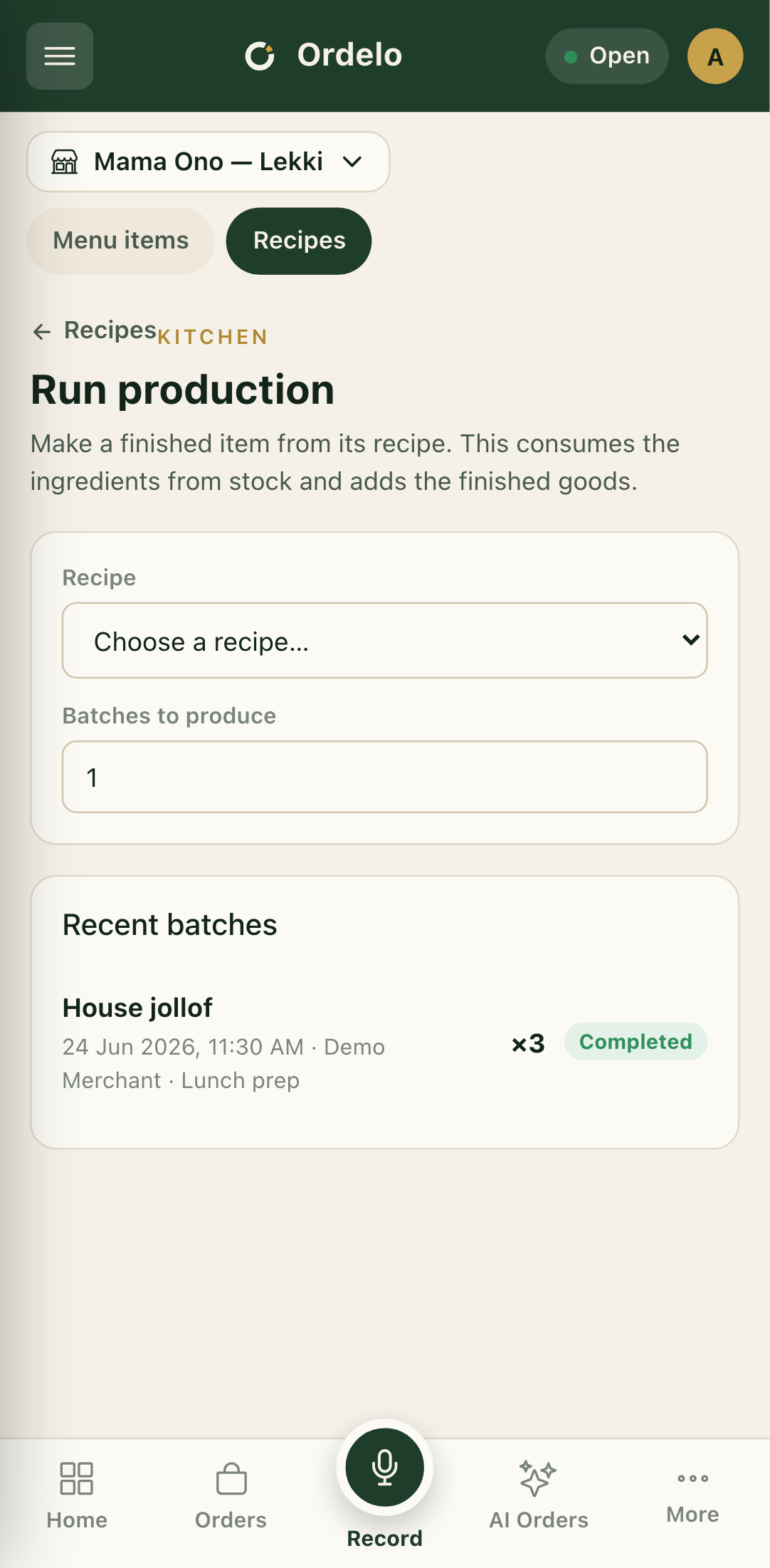 Production run
Read past runs
Below the form, Recent batches lists what you've produced. Each row shows the recipe, the date and time, who ran it, any note, the quantity made, and a status of Completed, Failed, Cancelled, or Pending.
Tips
- A shortage blocks the run. If any ingredient is short, Start production stays disabled and a message tells you which ingredient is short and by how much. Lower the batch count or restock.
- Restock in one tap. On a short ingredient row, tap Restock to jump to Inventory with that item searched, top up the count, then come back.
- The count refreshes after a run. Once a batch finishes, the ingredients-needed check re-runs against your new stock levels, so you can immediately see if there's enough for another batch.
- Batches multiply the whole recipe. "Batches to produce" scales every ingredient and the yield together. One batch makes the recipe's output quantity; two batches double it.