Your profile
Your profile is a quick overview of your account: your name and contact details, your business and plan, and shortcuts to the pages where you change store settings.
Where to find it: tap your name at the top right and choose Profile, or go to
/profile. You can also reach it from Settings → View profile.
Before you start
- You need to be signed in.
- This screen shows your details. It doesn't have edit fields of its own. To change store or billing details, use the shortcuts near the bottom.
What's on the screen
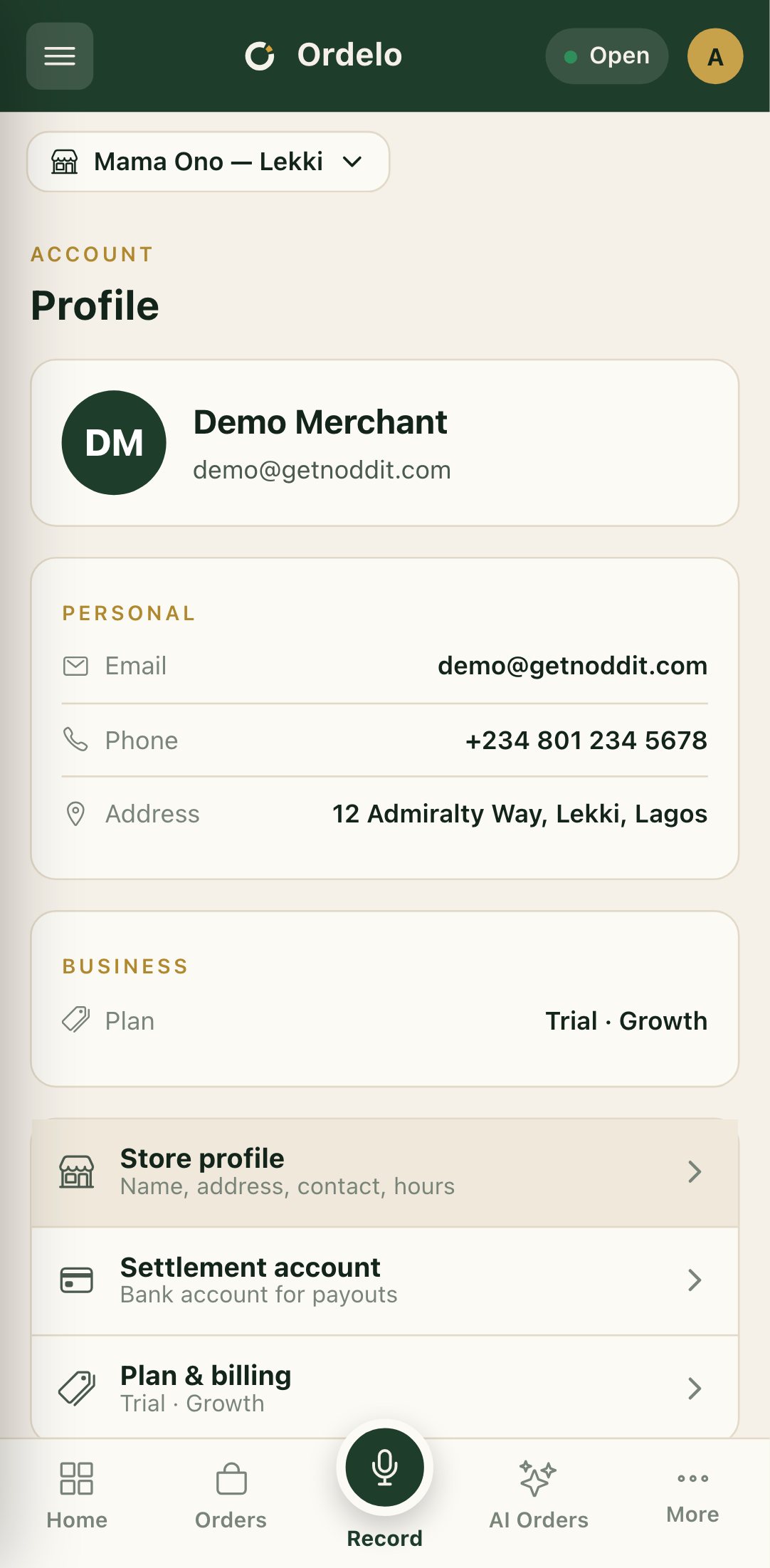
- At the top, your avatar, name, email, and username if you set one.
- Personal — your Email, Phone, Date of birth, and Address where these are on file.
- Business — your Business ID, your Role, and your Plan (for example "Active · Growth" or "No active plan").
 Profile
Change your details
The shortcuts at the bottom take you to the right screen for each change.
- Tap Store profile to edit your store's name, address, contact, and hours. See Store profile and location.
- Tap Settlement account to manage the bank account your payouts go to. See Payouts and settlements.
- Tap Plan & billing to compare plans or upgrade. See Plans and subscription.
- Tap Sign out to log out.
Tips
- This page is read-only. Your name, email, and phone show here but aren't edited from this screen. The shortcuts open the pages where changes are made.
- Store profile and Settlement account both open your Store settings. They drop you on the Store page, where the contact details and bank account live.
- Plan shows your billing state at a glance. "Trial · [plan]" means you're still on a free trial. Tap Plan & billing to choose a paid plan before it ends.