Opening hours
Set the days and times you trade, so customers know when they can order from you.
Where to find it: open Store, then the Opening hours tab (or go to
/store).
Steps
- Open the Opening hours tab. You'll see the Weekly hours card with a row for each day.
- Switch on the days you're open. A day that's switched off shows Closed.
- For each open day, set the open and close times using the two time pickers.
- Tap Save hours.
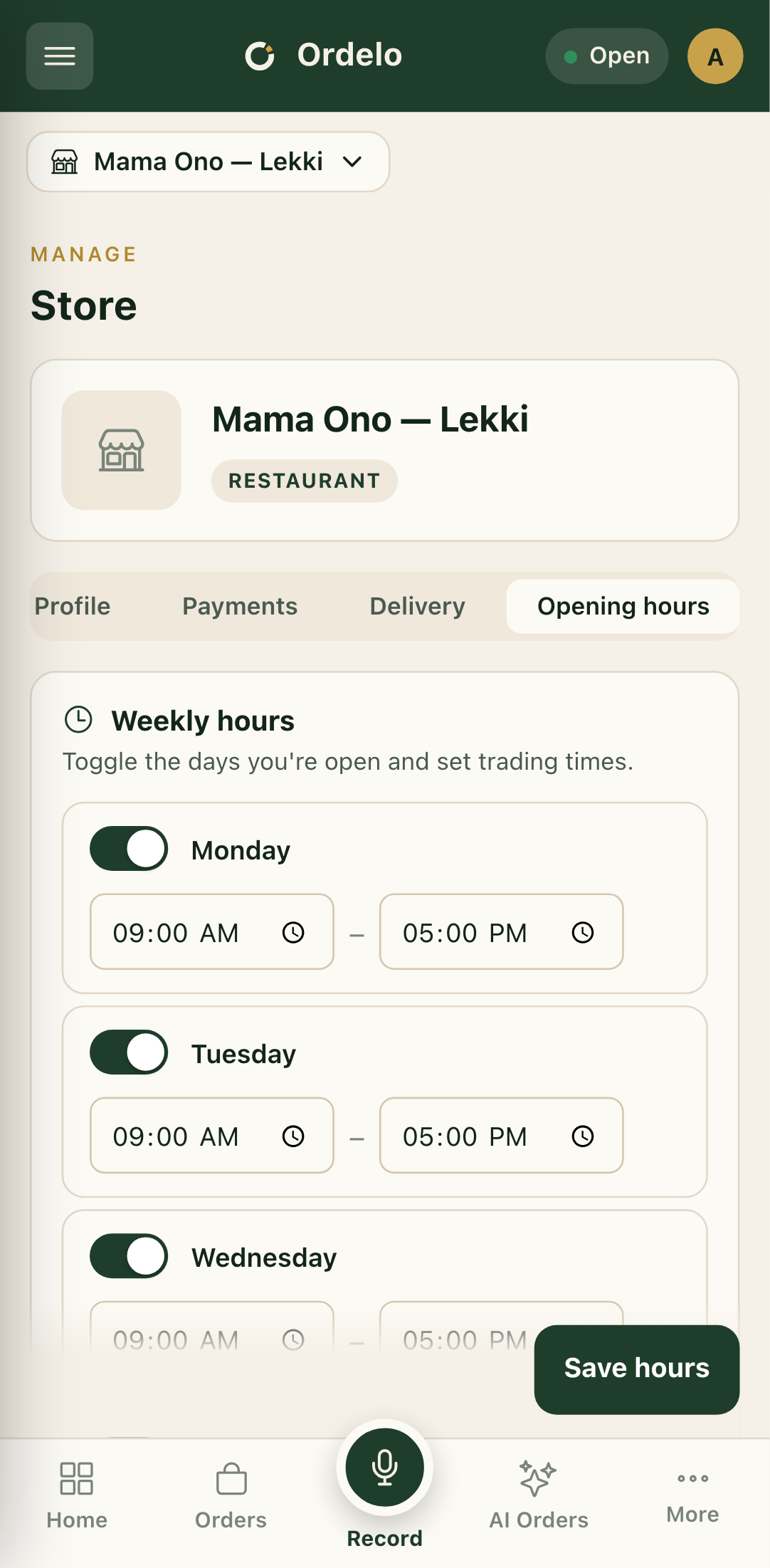 The Opening hours tab
Tips
- Keep these current. If your hours change for a holiday or a busy season, update them here so customers aren't turned away or left waiting.
- Switch a day off rather than deleting times. Toggling the day is the quickest way to mark yourself closed for the day.